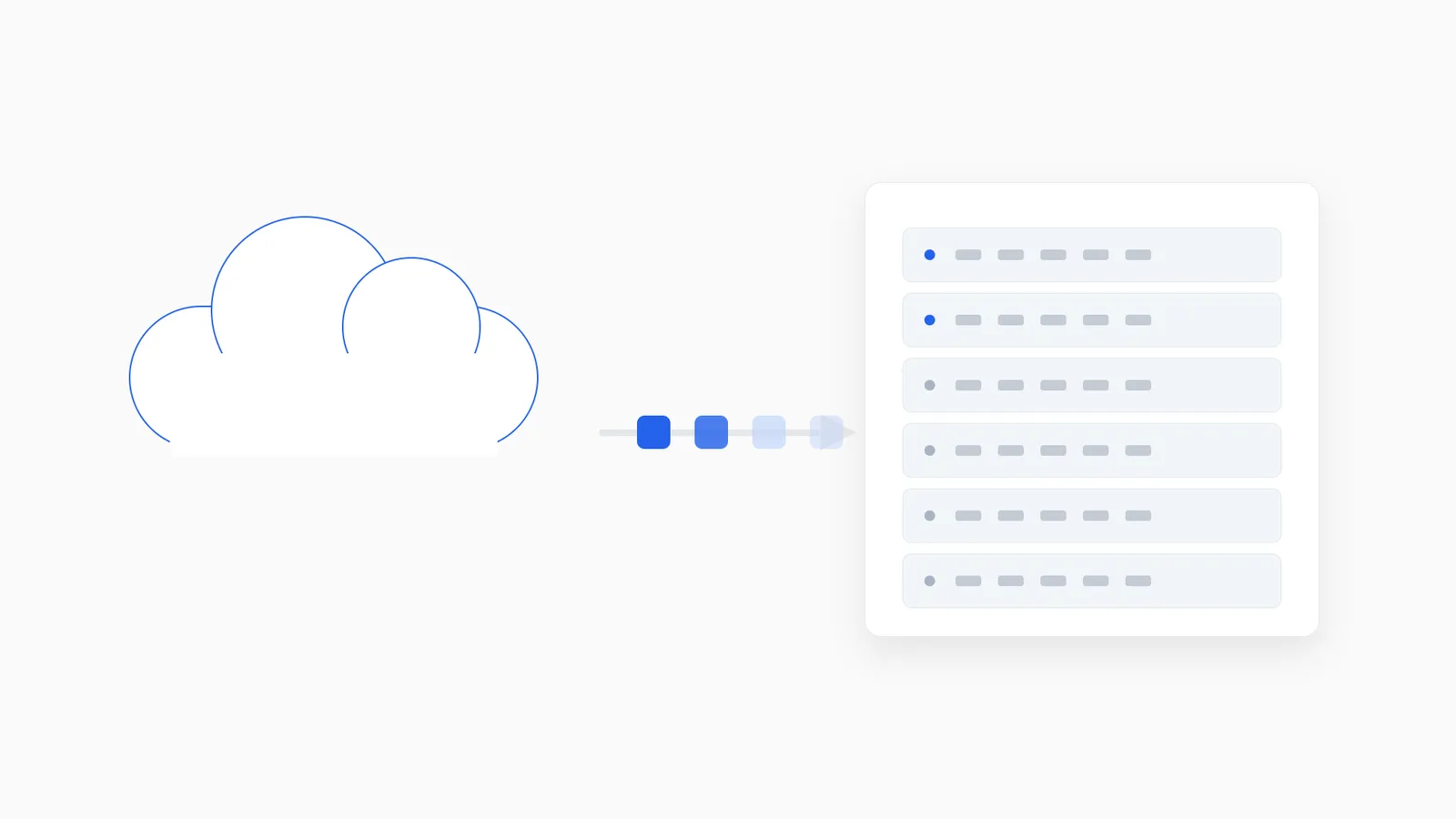
Moving off n8n Cloud sounds riskier than it is, mostly because “credentials” and “webhooks” are the two things people worry about losing. Handled in the right order, neither has to be a problem.
What actually moves, and how
Workflows export cleanly as JSON, either through the n8n UI or its API, and import directly into any other n8n instance — self-hosted or managed. This is the easy part: it’s the same open-source n8n underneath, so the workflow definitions, nodes, and logic don’t need translation.
Credentials are the part worth doing carefully. The safe pattern is re-entering them fresh on the new instance, on a screen-share if a second person is helping — not exporting and copying secrets between systems in plain text. n8n Cloud doesn’t give you a way to export decrypted credential values for a reason, so re-entry is the expected path, not a workaround.
Schedules, custom nodes, and environment configuration move across alongside the workflow JSON, though custom nodes need to actually be installed on the destination instance before the imported workflow can use them.
The order that avoids downtime
A migration that avoids breaking triggers generally follows this sequence:
- Stand up the new instance first, fully configured, before touching the old one.
- Import workflows and re-enter credentials, with everything left disabled/inactive on the new instance for now.
- Verify parity — run test executions on the new instance and compare outputs against the old one until they match. This is the step that catches a missed environment variable or a subtly different node version before it matters.
- Cut over DNS and webhook URLs on a schedule, coordinated so no external trigger fires into a dead endpoint mid-switch.
- Keep the old instance available, read-only, for a defined fallback window — days, not months — in case something surfaces post-cutover that testing missed.
- Run a short period of monitored hypercare immediately after cutover, watching executions closely rather than assuming silence means success.
Why “verify parity” is the step people skip
It’s tempting to import workflows, flip them active, and call the migration done. The problem is that subtle differences — a slightly different n8n version’s node behavior, a missing environment variable, a webhook URL that changed format — surface as failed executions in production instead of caught issues in testing. A short parity-testing window before cutover is cheap insurance against exactly that.
Downtime is minimal if you plan the cutover
The actual risk isn’t the migration itself — it’s an uncoordinated webhook or DNS cutover missing triggers that fire in the gap. Planned properly, downtime is minimal: the webhook and DNS switch happens on a schedule, not an ad-hoc “flip it now,” and the old instance stays live as a fallback rather than being torn down the moment the new one is up.
If you’re doing this because of execution limits or cost
If the reason you’re leaving n8n Cloud is execution caps or unpredictable billing rather than a technical requirement, it’s worth reading why those limits bite simple workflows so hard before you migrate — it changes how you’d size the destination. For the full picture of what a managed migration actually includes, see how migration works or why teams move off n8n Cloud specifically.