“Unlimited workflows” and “unlimited executions” are not the same thing, and the gap between them is where most n8n Cloud billing surprises come from. Here’s how execution counting actually works, and why it bites simple workflows just as hard as complex ones.
What actually counts as an execution
Every time a workflow runs — start to finish — that’s one execution, no matter how much (or how little) work it does inside. A workflow that processes 10,000 rows in one run and a workflow that checks an inbox and finds nothing new both count as exactly one execution each.
That detail matters more than it sounds. It means trigger frequency, not workload, is usually what determines your bill.
Where people get caught out
The classic example: a polling trigger checking email, a CRM, or a webhook queue every 10 minutes. That’s 6 runs an hour, 144 a day, roughly 4,320 executions a month — from a single, trivial workflow that mostly finds nothing to do. On a Starter-tier plan with a 2,500-execution monthly cap, that one workflow alone is already 73% over budget before you’ve built anything else.
Chatbots and scheduled sync jobs have the same shape: lots of small, frequent runs rather than a few big ones. If your automations lean toward “check something often” rather than “process something occasionally,” the execution count climbs faster than intuition suggests.
The cost curve
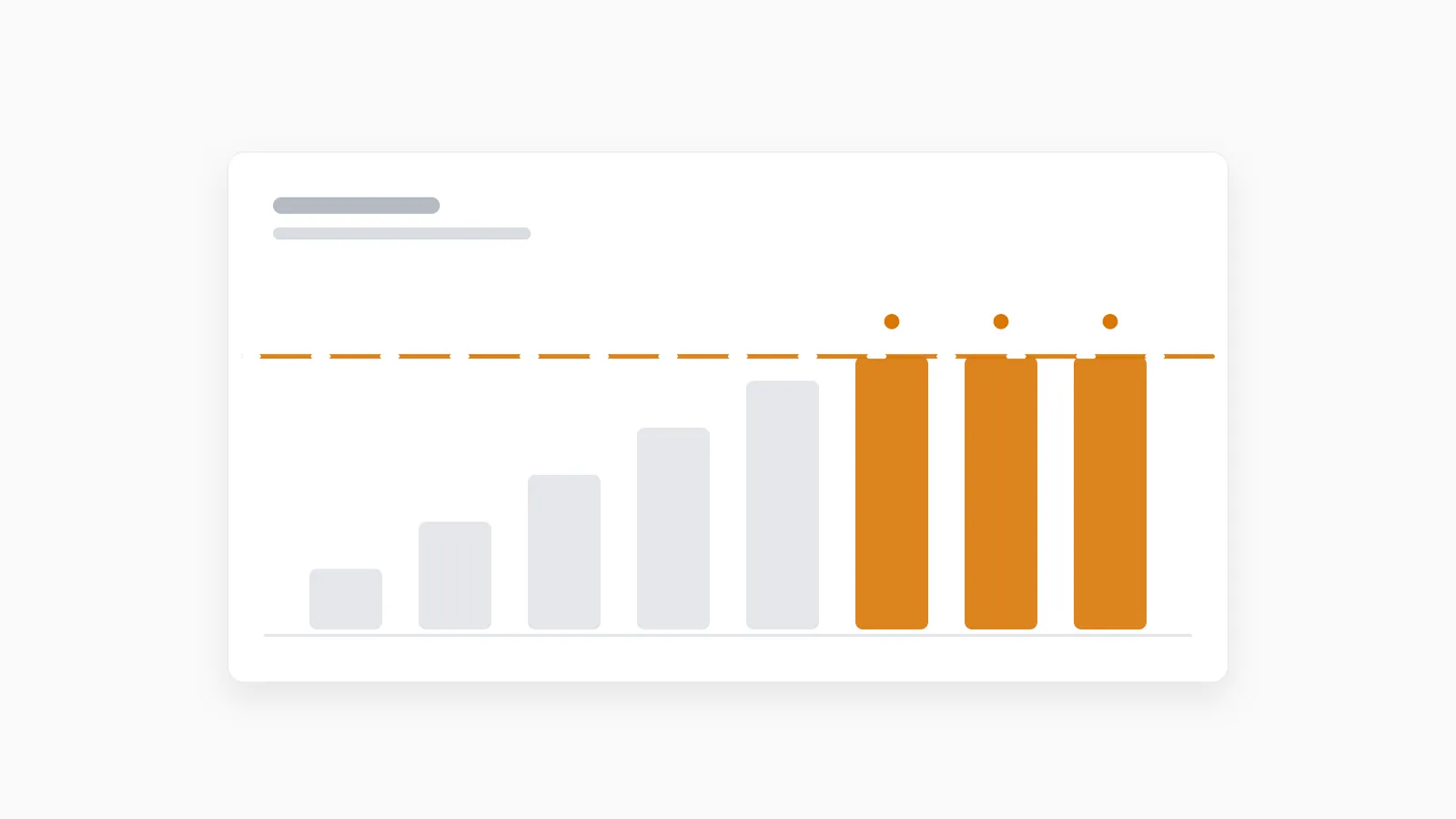
This is also why the jump between tiers tends to feel steep. Once a handful of real automations are running — a support bot, a couple of CRM syncs, some scheduled reports — it’s easy to need a plan several tiers above where you started, because the tier boundaries are sized for light usage, not five moderately active workflows running in parallel.
The three ways people respond
- Reduce polling frequency. Trading a 10-minute poll for a 30- or 60-minute one cuts executions proportionally — the blunt but immediate fix.
- Move to a webhook-driven trigger instead of polling, where the source system pushes an event only when something actually happens, instead of your workflow asking “anything new?” on a timer.
- Move off metered execution pricing entirely. The n8n Community Edition (and, by extension, any self-hosted or managed instance running it) doesn’t meter executions at all — you pay for the server, not the run count, so a chatty polling workflow costs nothing extra.
Why this shapes the self-hosted vs. cloud decision
For light, occasional use, n8n Cloud’s convenience is a fair trade for a metered bill. But the moment your automations run frequently enough to matter to the business — client-facing bots, real-time syncs, anything on a short polling interval — the economics usually flip: a fixed monthly server cost for unlimited executions ends up cheaper and more predictable than a per-execution plan that scales with exactly the usage pattern you can’t easily reduce.
That’s the calculation behind our own pricing: flat monthly cost, unlimited executions on every tier, no metering to think about. If you’re currently sizing an n8n Cloud plan around execution counts, it’s worth comparing that against a dedicated instance instead — see the full n8n Cloud alternative breakdown, or how the two approaches stack up feature by feature on the comparison page.